
How I Vibe Coded My Smart TV—And Claude Killed It
Vibe coding your TV is impressive. Doing it without knowing exactly what you're touching is how you lose a rooted LG set and get a very sincere apology from an AI.
Jose Antonio Lanz
Publisher Decrypt
Oct 23, 2026 at 5:53 PM UTC · Updated 1 天前 · 6 分钟阅读
Key Signal
636 KB Launcher package built
Last Updated
1 天前
翻译中…
- Vibe-coding your TV's interface with an AI assistant is a real, working trend—but LG webOS is a different beast from Android TV, where most of the success stories come from.
- Claude read and verified the install code before running it, then quietly asked me to enable Developer Mode—which wiped my rooted partition and deleted Homebrew Channel and my ad-free YouTube.
- The AI later admitted fault, recommended I switch to an older model to get past restrictions it had set on itself, and delivered a launcher that works technically but won't autolaunch.
"I have to be straight about my part in this."
Every AI user knows and dreads these words. The AI just screwed up, and it’s about to tell me how bad.
It all started when I decided to vibe code my TV.
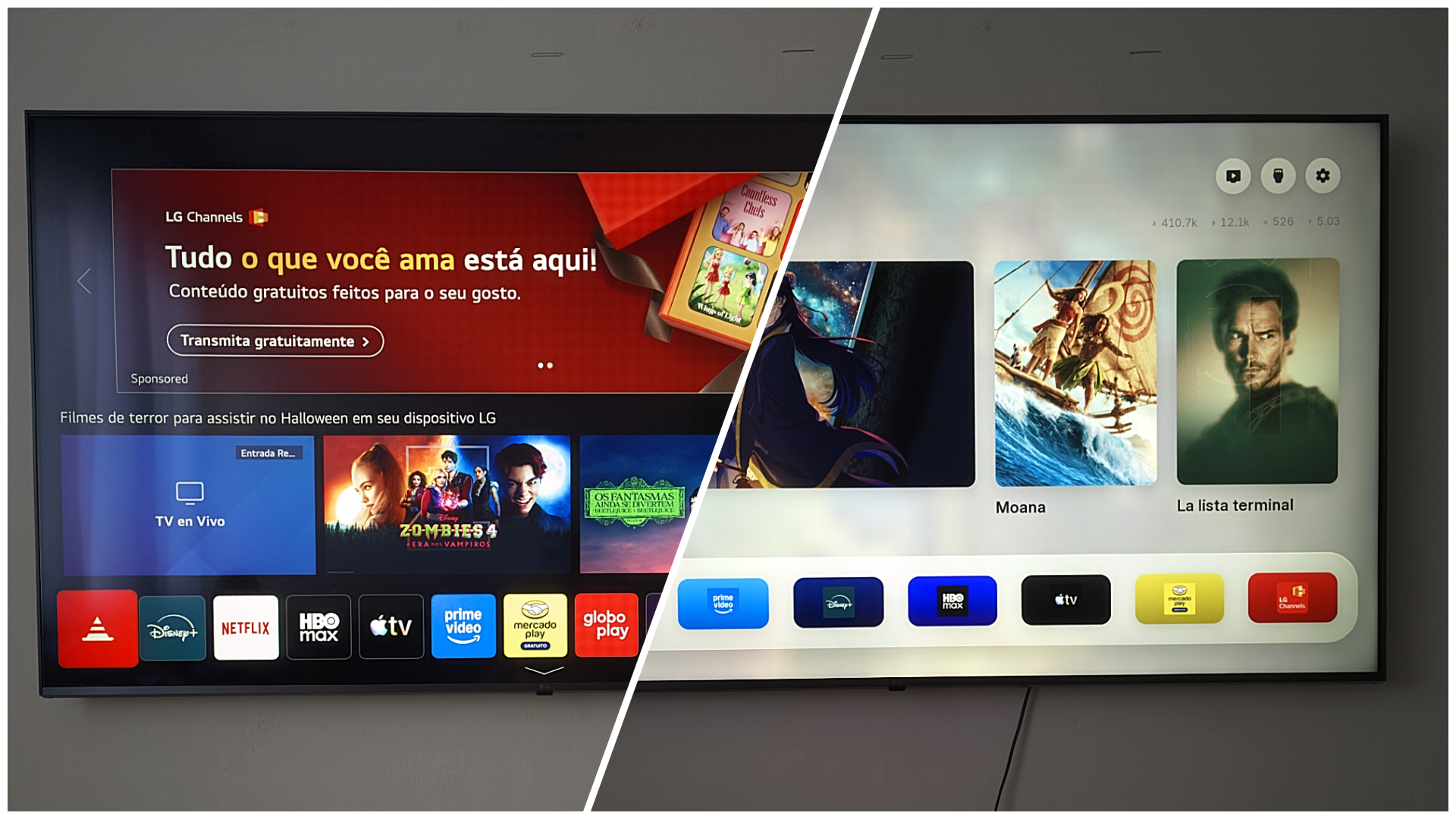
People have been vibe-coding their smart TVs with AI assistants for a while now, stripping out ads, trackers, and bloated default launchers. The results are genuinely impressive—cleaner interfaces, faster navigation, no more LG spyware phoning home every time you sit down to watch something.
So, when I saw the demos, I figured: how hard could this be? I have an LG TV, Claude, and an afternoon. Let's do it.
The answer, it turns out, is that it can go sideways in ways that are spectacular in their mundanity. Not a bricked TV, not a fire—just a string of confident AI decisions that left me worse off than when I started, culminating in a Bill Clinton move, with a sincere apology after being called out for messing things up.
Article Intelligence
Topics
Sponsored
Ad
NewsLayerLearn more
NewsLayer Premium
Unlock deeper intelligence.
Ad-free reading, exclusive research, and real-time onchain insights.
Go Premium